What is an API?, A Beginner's Guide
Introduction
As a junior developer or just someone who's curious about tech, you've probably heard of the term "API" thrown around in web, software or app development conversations, without really knowing what it means at all. In this article, I am going to break down what APIs are, all the different types of APIs, how they work, and how to use APIs with examples.
What is an API?
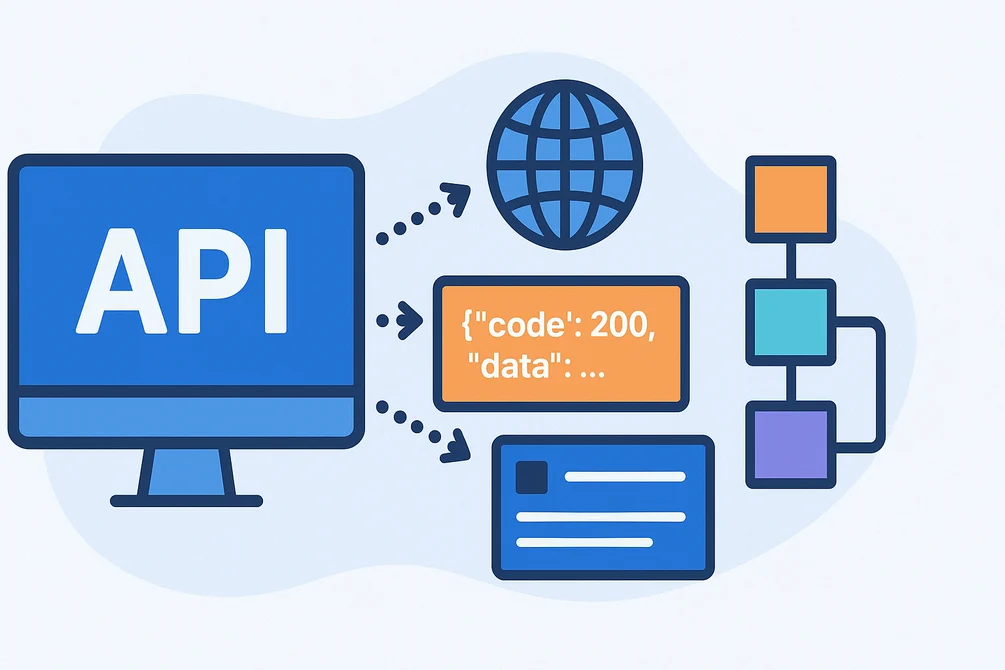
The term API stands for Application Programming Interface. Think of it as a middleman that allows different software applications to talk to each other. Assume that you are in a hotel. You have just placed your order and the waiter goes to bring your order from the kitchen. APIs work in this sense that you (your app), tells the waiter (the API), about what you want to eat, and the waiter brings you the order from the kitchen (another app/database). The API makes sure everything goes well without you really needing to know how the other app is working.
In technical terms, APIs allow different software applications, services, or systems to communicate to exchange data or functionality. APIs come in various types, which can be categorized in two main ways:
- By accessibility/audience i.e who can use them.
- By architectural style i.e how they technically work.
There are also other classifications but these two are the main ones that we are going to focus on in this article.
1. Types of APIs by Accessibility(Audience)
These focus on who the API is intended for:
- Public/Open APIs - also called External APIs: These are available to anyone, including external developers and third-parties. They are often documented publicly and may be free or paid. Examples include Google Maps API, Twitter/X API, and Stripe Payment API.
- Partner APIs: These are shared with specific business partners or authorized third-parties under agreements (e.g through contracts). They are more restricted than public APIs. Use cases: B2B collaborations or exclusive partnerships.
- Private/Internal APIs - also called Enterprise APIs: Used only within an organization or a team. Not exposed externally for security and control reasons. Use cases: internal microservices or backend systems.
2. Types of APIs by Architectural Style
These define the technical approach, data format and communication model:
- REST APIs (Representational State Transfer): These is the most popular and widely used type of API. It is resource based (e.g.,
/users/123), uses standard HTTP methods (GET, POST, PUT, DELETE), and typically returns data in JSON or XML. They are stateless(meaning the server doesn't remember previous requests), scalable and cacheable. They are simple, flexible, easy to understand and have excellent browser support. They are best for Web/mobile apps and database operations. More on RESTful APIs below. - SOAP APIs (Simple Object Access Protocol): These APIs have stricter protocols(a set of fixed rules) for how different applications or systems can talk to each other and exchange data over the internet. Think of it like this, REST is like sending a casual letter or postcard to a friend, while SOAP is like sending a formal registered letter with many official rules, sealed envelopes, and extra security stamps. All messages, whether they are requests or responses, must be written in XML. No JSON over here. This is how they are structured:
<Envelope>
  <Header>...</Header>
  <Body>
    <GetUserRequest>
      <UserID>123</UserID>
    </GetUserRequest>
  </Body>
</Envelope>
Other types include:
- GraphQL APIs
- gRPC APIs (Google Remote Procedure Call)
- WebSocket APIs
- Webhooks (or Event-Driven/Callback APIs)
Real-World examples of APIs
Here are some examples of APIs to really grasp the concept.
- Google Maps API - It allows apps to display maps, routes, locations etc. Suppose you order food using your favourite apps like Glovo or Uber Eats, you as the customer are able to track your food as the order is being delivered through an interactive map the apps use provided by Google Maps API. Likewise the delivery person is able to follow the correct route all thanks to this API.
- Spotify API - It allows apps and third-party softwares to retrieve data, control playback, and listen to music. Suppose you are a stats junkie and connected a third-party app like Airbuds to your Spotify account to track your listening habits and share your listening activitiy to your friends. You and your friends are able to see what you are currently playing, your recent activity, songs you like the most, your aggregated weekly data and you get compared to your friends' listening activities.
Deep dive into RESTful APIs
Now that you have a basic understanding of what APIs are, let's focus on RESTful APIs, the most popular type of APIs in web development. As we said before, a RESTful API is a way for apps to communicate over the internet using standard protocols like HTTP.
Key features of RESTful APIs
- Resource-based: Everything is treated as a resource (e.g. a user, a product), identified by a URL.
- HTTP Methods: They use standard HTTP methods to perform actions:
- GET: Fetch data (get a list of products)
- POST: Create new data (add a new product)
- PUT: Update existing data (edit a product's price)
- DELETE: Delete data (delete a product)
- Stateless: Each request is independent, meaning that the server does not recall any previous requests.
- JSON/XML format: Most of these APIs send and receive data in JSON format, which is lightweight and readable, and XML format.
Real-world example of how RESTful APIs work
Here is a simple real-world example of a RESTful API for managing books in an online bookstore/library. A book resource might look like this in JSON.
{
  "id": 1,
  "title": "The Great Gatsby",
  "author": "F. Scott Fitzgerald",
  "isbn": "978-0743273565",
  "price": 1299,
  "publishedYear": 1925,
  "category": "Fiction"
}
All operations use the same base URL for the resource /books, and the HTTP method tells us what to do:
| HTTP Method | Endpoint | What it does |
|---|---|---|
| GET | /books |
Get a list of all books |
| GET | /books/1 |
Get details of a single book (ID 1) |
| POST | /books |
Create/add a new book |
| PUT | /books/1 |
Update a single book |
| DELETE | /books/1 |
Delete a book |
Extra Useful Endpoints (still RESTful)
GET /books?category=Fiction&price_lt=1000- Filter books (query parameters)GET /books/1/reviews- Get reviews for a specific book (sub-resource)
Example Requests and Responses
- Get all books
- Request:
GET https:// api.bookstore.com/books - Response (200 OK)
[ { "id": 1, "title": "The Great Gatsby", "author": "F. Scott Fitzgerald", "price": 1299 }, { "id": 2, "title": "1984", "author": "George Orwell", "price": 1449 } ] - Request:
- Create a new book
- Request:
POST https:// api.bookstore.com/books
{ "title": "Dune", "author": "Frank Herbert", "isbn": "978-0441172719", "price": 999, "publishedYear": 1965 }- Response (201 Created)
[ { "id": 3, "title": "Dune", ... } ] - Request:
- Delete a book
- Request:
DELETE https:// api.bookstore.com/books/3 - Response 204 No Content (success, no body)
- Request:
Conclusion
Now you have a pretty decent idea of what an API is, how it works, the different types of APIs available, and how to use APIs to solve real-world problems using real-world examples. We have looked at REST APIs in depth since they are the most widely used, simple and reliable, since they already mirror how the web works. There are many other resources on the internet on APIs that cover what i may not have covered for beginners and also further reading.